Choosing web hosting starts with your website requirements and its ongoing cost. This guide compares ten providers using their official product and support pages, with attention to plan scope, renewal terms, backups and management responsibilities.
Sources reviewed: 26 October 2026. This is a document-based comparison, not a speed benchmark or a long-term uptime test. Provider order is not a ranking. The links below lead to official pages, and the earlier promotional price claims have been removed.
Start with the website you need to run
Write down your platform, number of websites, expected content and storage, audience location, email needs and any store or membership features. Also decide who will maintain the operating system, application, updates and backups. These requirements make the difference between a suitable plan and a cheap-looking plan that needs several additions.
- For a small business site or blog, compare the exact site allowance, storage and practical publishing needs.
- For a store, include product data, payments, transactional email and a recovery plan in the assessment.
- For a managed WordPress service, establish which application and maintenance tasks the host handles.
- For a VPS or dedicated server, establish who handles server administration and incident recovery.
Provider comparison at a glance
| Provider | Product focus to compare | Official information |
|---|---|---|
| Hostinger | Web hosting and a wider range of website products | Plans and features |
| SiteGround | Managed website and WordPress tools | Plans and features |
| Bluehost | General website and WordPress hosting | Plans and features |
| hosting.com, formerly A2 Hosting | Shared hosting and server options | Plans and features |
| InMotion Hosting | Shared hosting with plan-based resources | Plans and features |
| HostGator | Shared hosting and other hosting products | Plans and features |
| DreamHost | General hosting, DreamPress and server products | Plans and features |
| GreenGeeks | Lite, Pro and Premium shared hosting | Plans and features |
| Liquid Web | Managed and self-managed infrastructure choices | Plans and features |
| WP Engine | Managed WordPress hosting | Plans and features |
How to compare the total cost
Compare the amount payable today, the service period it covers and the renewal amount. A monthly equivalent can describe a multi-year payment made upfront. Add domain renewals, email, paid backups, themes, plugins, taxes and any migration work that are not included. Use the same currency and billing period for every quote.
Do not treat “unlimited” or “unmetered” as a promise of unlimited server capacity. Read the resource and acceptable-use conditions. Also distinguish a service guarantee from a performance measurement: a published SLA describes contractual conditions, while your own website’s speed depends on its content and implementation.
Provider-by-provider notes
Hostinger
Hostinger offers hosting alongside website-building and other products. Compare the hosting product you actually need, rather than treating every bundle as the same service. The current pricing page separates the introductory commitment from the renewal rate.
Before buying: Check the website allowance, storage, backup frequency and which extras renew separately. Our Hostinger plan guide explains the questions to ask.
Review the official Hostinger information.
SiteGround
SiteGround lists StartUp, GrowBig and GoGeek web-hosting tiers. Its plan comparison includes backup, caching, collaboration and WordPress-management features. The available site count and development tools differ between tiers.
Before buying: Compare the renewal rate and applicable taxes, then check staging and restore access for your chosen tier. The official page may display a regional currency; do not compare a UK offer with a US-dollar quote as if they were identical.
Review the official SiteGround information.
Bluehost
Bluehost provides web hosting and separate WordPress, WooCommerce, cloud and server offerings. That range makes the product name important when comparing a quote: a shared web-hosting plan is not the same product as managed cloud or a dedicated server.
Before buying: Read the selected plan comparison and checkout together. Record website and resource allowances, the introductory period, renewal charges and any optional services added to the order.
Review the official Bluehost information.
hosting.com, formerly A2 Hosting
A2 Hosting changed its public brand to hosting.com, as explained in its official rebranding announcement. The current site lists shared hosting, managed servers and dedicated hardware. Old A2 plan labels should not be assumed to describe a new hosting.com purchase.
Before buying: Use the current plan specifications for site count, resources and development tools. If you are an existing A2 customer, check the actual service and renewal details in your account rather than relying on a new-customer promotion.
Review the official hosting.com, formerly A2 Hosting information.
InMotion Hosting
InMotion lists Launch, Power and Pro shared-hosting plans. Its comparison distinguishes website allowances, resource allocations and support channels, and displays introductory and renewal rates.
Before buying: Check the billing term and eligibility of included domain offers. Confirm the selected tier’s support channels and any backup or add-on requirements; features shown for a higher tier should not be assumed on the entry plan.
Review the official InMotion Hosting information.
HostGator
HostGator provides shared hosting as well as separate WordPress, ecommerce, VPS and dedicated options. Its domain promotion includes qualifying subscription terms and a later renewal charge.
Before buying: Compare the actual product and term at checkout. Confirm website, storage and backup arrangements, and distinguish an introductory domain offer from the domain’s ongoing renewal cost.
Review the official HostGator information.
DreamHost
DreamHost separates general web hosting from its DreamPress managed WordPress offering and VPS/server products. The pricing page shows both promotional periods and ongoing rates.
Before buying: Choose between a general website plan and a managed WordPress product based on the maintenance and workflow you need. Check site and resource allowances, backup retention and the renewal total for that exact product.
Review the official DreamHost information.
GreenGeeks
GreenGeeks documents Lite, Pro and Premium shared-hosting tiers with different website, storage and resource allowances. Its backup policy also distinguishes direct restoration access from support-assisted restores.
Before buying: Check restoration access as well as whether backups exist. Confirm the current term and renewal price on the regional sales page, and keep a separate recovery copy for important business data.
Review the official GreenGeeks information.
Liquid Web
Liquid Web lists several infrastructure and application-hosting products, including managed dedicated servers, self-managed VPS and ecommerce-related options. These products cover different operational responsibilities and should not be reduced to a single shared-hosting starting price.
Before buying: Ask which server, operating-system and application tasks are managed, what backup and recovery work is included, and which software or support services are additional. Compare like-for-like management levels.
Review the official Liquid Web information.
WP Engine
WP Engine’s current plan page is focused on WordPress. Its published plans distinguish the included management, backups, security and support arrangements, with additional options for larger requirements.
Before buying: Confirm site and usage allowances, storage, support channels and any extensions in the actual quote. A managed WordPress product should be compared against other products with a similar management scope.
Review the official WP Engine information.
A practical shortlist checklist
- Compare two or three products with the same management level and billing term.
- Save the selected plan details, checkout total, renewal figure and cancellation/refund conditions.
- Confirm backup frequency, retention, restoration access and whether you can keep an independent copy.
- Confirm migration coverage, required access and responsibility for checking the migrated website.
- Ask about the support channel and the work support covers; account availability does not automatically include custom development.
- Test your actual site and publishing workflow before moving an important live website.
Common questions
Which provider is the best?
There is no universal winner in this comparison. A useful choice meets the website’s requirements at an acceptable ongoing cost, with responsibilities you can manage. This article does not assign performance scores without comparable tests.
Should I choose the lowest introductory price?
Use the introductory price as one part of the cost assessment. Compare the renewal term, extras and the effort needed to manage or move the website. A smaller upfront bill and a lower long-term cost are different questions.
Does buying a hosting plan include website design?
Check the provider’s specific offer. A hosting subscription and a website-build project are separate scopes unless an offer expressly combines them. For help planning the website itself, see Design Mania BD services.
Historical images from the original guide
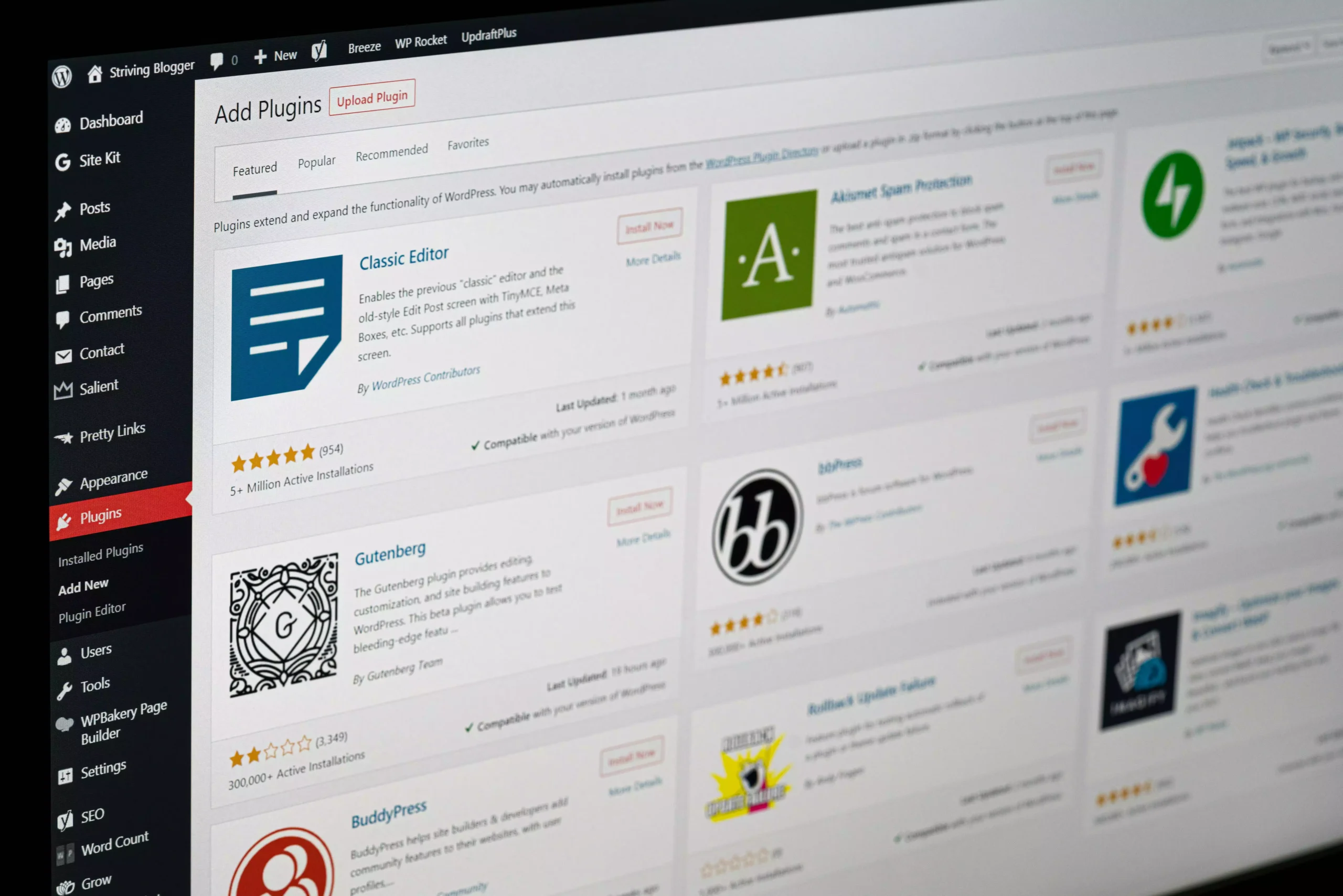
The images below are retained from the original 2025 article for context. They may show older branding, interfaces, prices or offers. They are not evidence of the current plans described above; use the official links for current terms.