Hostinger offers several products for websites and online projects. The useful question is which product fits your platform, content and maintenance needs, and what it will cost after the introductory period. This guide explains how to evaluate those choices without assuming that every plan includes the same features.
Sources reviewed: 26 October 2026. This guide is based on Hostinger’s official pricing and help pages. It does not report independent uptime monitoring, load testing or measured support-response times. Earlier claims that Hostinger is the cheapest or automatically the best choice have been removed.
Choose the product before comparing the price
Start with the current product and pricing page. A hosted WordPress site, a site built with a website builder and a VPS are different arrangements. Confirm that the selected product supports the way your website is built and the access you need to maintain it.
List the websites you want to host, the amount and type of content, your email needs, and any store, application or integration requirements. Compare those needs with the selected product rather than assuming a feature mentioned elsewhere on the site is included.
Read introductory and renewal costs together
The pricing page presents introductory offers and renewal rates separately. Record the upfront total, how many months it covers and the later renewal amount. Verify the currency and any applicable taxes at checkout. A displayed monthly equivalent does not necessarily mean that you pay month by month.
Build a simple cost worksheet before ordering. Include the hosting term, domain renewal, email renewal, paid extensions and any separate migration or maintenance work. Check which included extras expire after an introductory period. Use the same service period when comparing Hostinger with another provider.
| Decision | What to record | Where to confirm |
|---|---|---|
| Subscription | Initial payment, covered term and renewal charge | Pricing and checkout |
| Website resources | Website allowance, storage and product limits | The selected plan specification |
| Email and domains | Included period and later renewal cost | The selected product and checkout |
| Backups | Frequency, retention and download/restore access | Backup documentation |
| Refunds | Eligible service, timing, payment method and exclusions | Refund policy summary |
Management and day-to-day work
Hostinger describes hPanel as its own control panel for domains, email, files, databases and website administration. Its technology overview explains the platform. The tasks available to you still depend on the product and permissions associated with your account.
During setup, check that you can perform the routine work your website requires: update content, manage access, inspect backups and recover from a failed change. For a client project, agree who owns the account and subscription and which collaborator permissions are appropriate. Avoid sharing an account password when the platform provides a suitable access-sharing method.
Backups need a recovery plan
The backup download guide describes separate file and database downloads and a WordPress website-backup option. It also identifies differences in backup availability and notes that websites created with Hostinger AI Builder do not use the same backup-download workflow. Confirm the instructions for your own product.
Frequency alone does not tell you whether a backup meets your needs. Check retention, what is included, who can download it and how a restore works. Keep an independent recovery copy for important work and verify that it contains the files and database you need. Test recovery on a suitable non-production copy before relying on it during an incident.
How to assess performance claims
Treat provider infrastructure descriptions as product information, not as a measurement of your own website. A theme, plugins, images, third-party scripts and caching choices can all change what visitors experience. A higher-tier subscription does not replace diagnosis of a slow page.
- Measure representative pages on mobile and desktop after the site is configured.
- Check both the server response and browser loading behavior.
- Use field performance data where available, alongside repeatable lab tests.
- Investigate the slowest page elements before paying for a larger plan.
Support, refunds and cancellation
Check the support channel available for the chosen product and describe the kind of help you expect. Hosting support and custom website development are different responsibilities. Keep your project credentials, backups and ownership details organized so that a support request can be specific.
Hostinger’s refund summary describes a 30-day window for eligible services, along with product, domain and payment-method exclusions. Do not assume every item in an order is refundable. Read the applicable policy before purchase and confirm the conditions for your transaction.
Cancellation and a refund are also different actions. The cancellation guide distinguishes disabling future renewal from requesting an eligible refund. Before ending a service, keep the website, database and email data you need and check what happens to the associated products.
Questions to answer before ordering
- Which exact product and term am I buying?
- Does it support my website platform and required features?
- What are the initial and renewal totals, including extras?
- Which backups can I restore or download, and for how long?
- Who owns and manages the account, website and domain?
- What support and migration work is included?
- What are the refund and cancellation conditions?
Where Hostinger fits in a wider comparison
Use the same questions for any provider. Shortlist products with comparable responsibilities and resource allowances, then test the actual website workflow. For a broader view, read our web hosting provider comparison.
If you also need a website designed or rebuilt, separate the hosting subscription from the build brief. Our service pages explain the website and UI/UX work you can discuss with Design Mania BD.
Historical images from the original guide
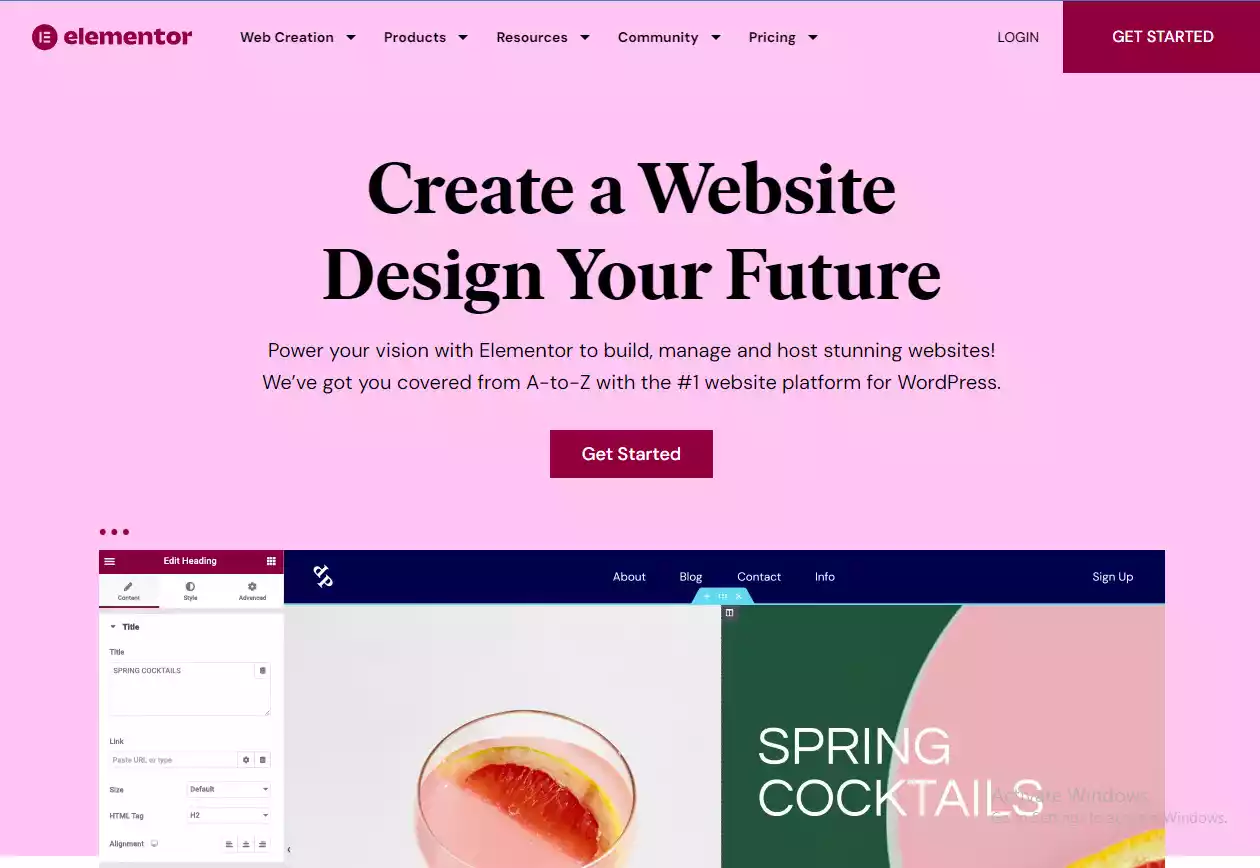
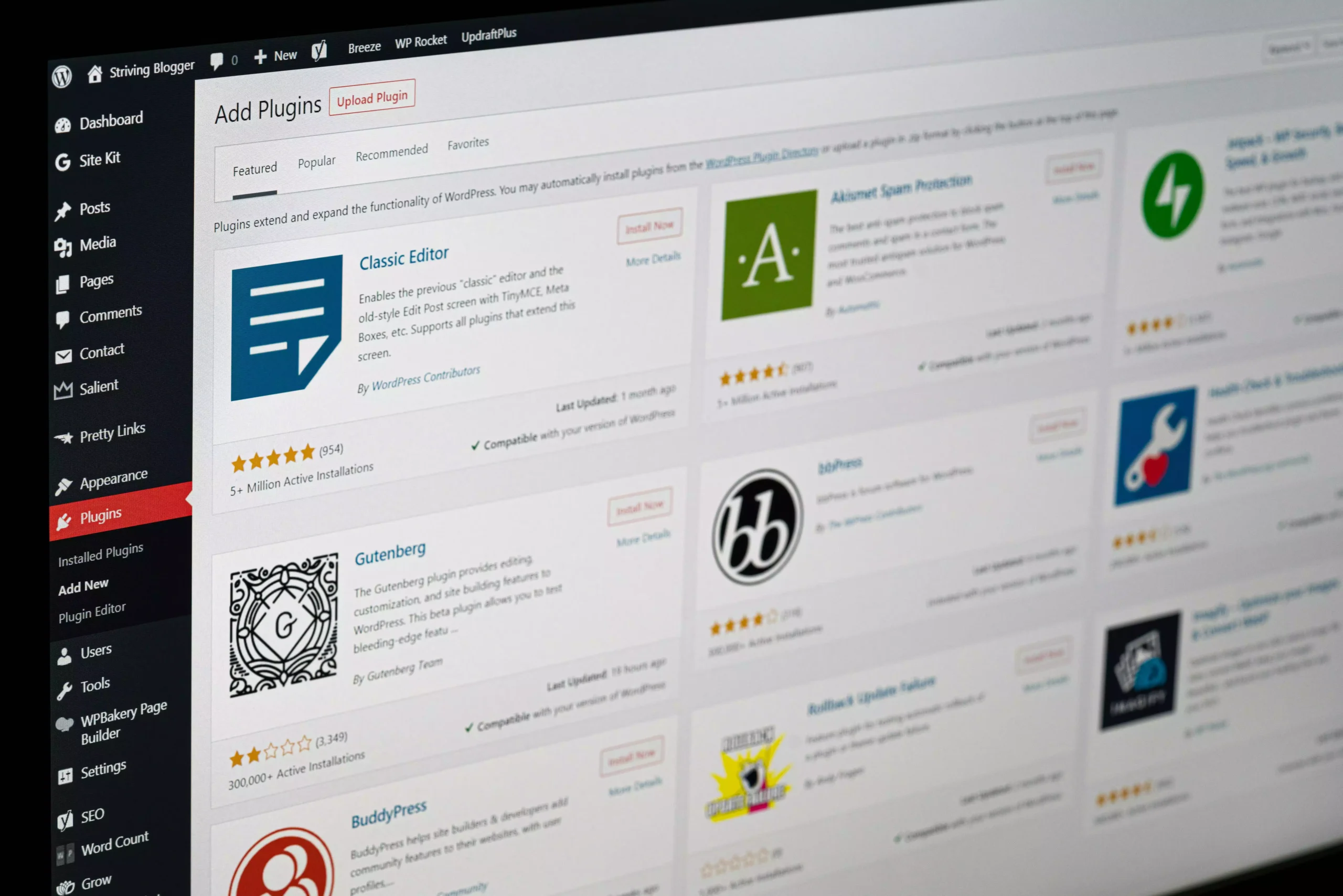
These images were part of the original 2025 guide. They may show older interfaces, branding, prices or plan details. They are retained as historical illustrations; current product information is linked in the sections above.